Lottie & Rive
Lightweight, high-quality animations shaped for digital products and experiences

Illustrations
Environment
Websites / Apps / Social Media
Purpose
An illustration doesn’t have to stay still. Motion can help explain an idea, draw attention to important details, add personality to a character, or unfold a story over time. From subtle loops and object interactions to character animation and complete scenes, animated illustrations make complex ideas easier to understand and digital experiences more engaging.




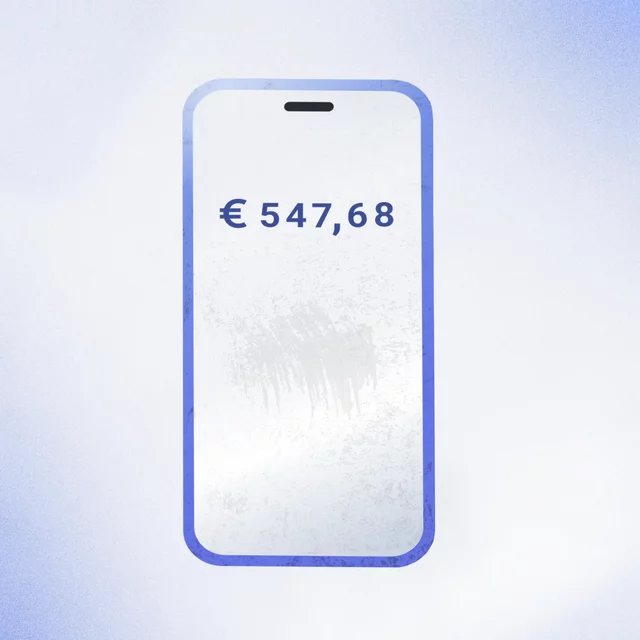
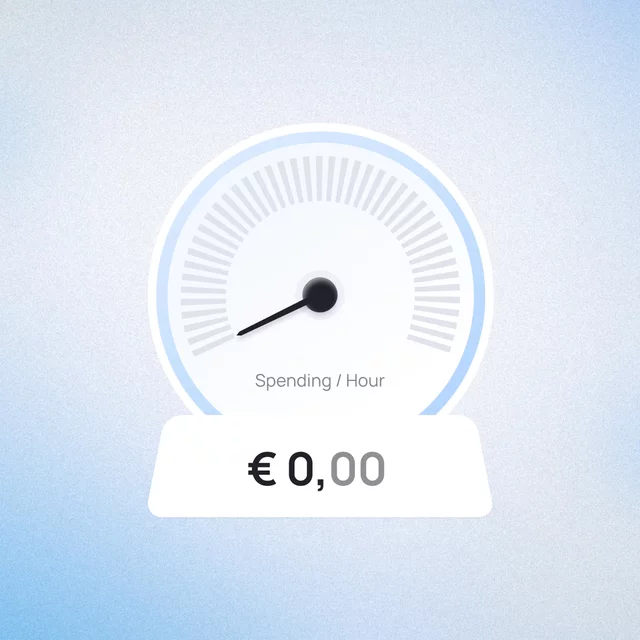

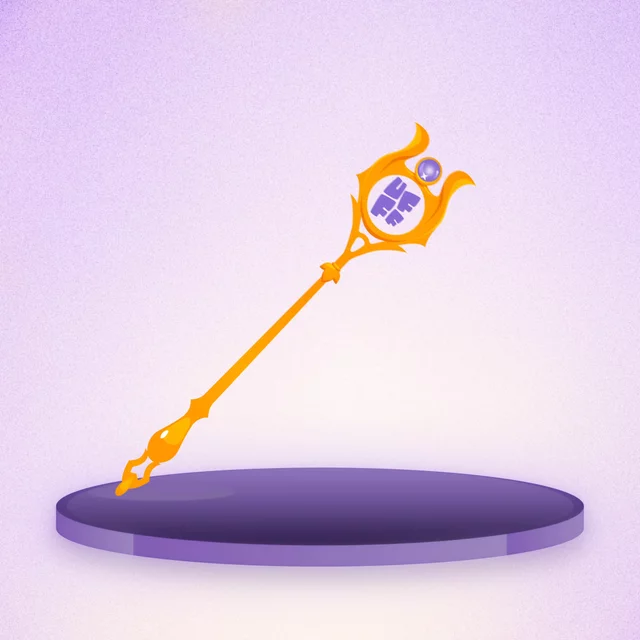
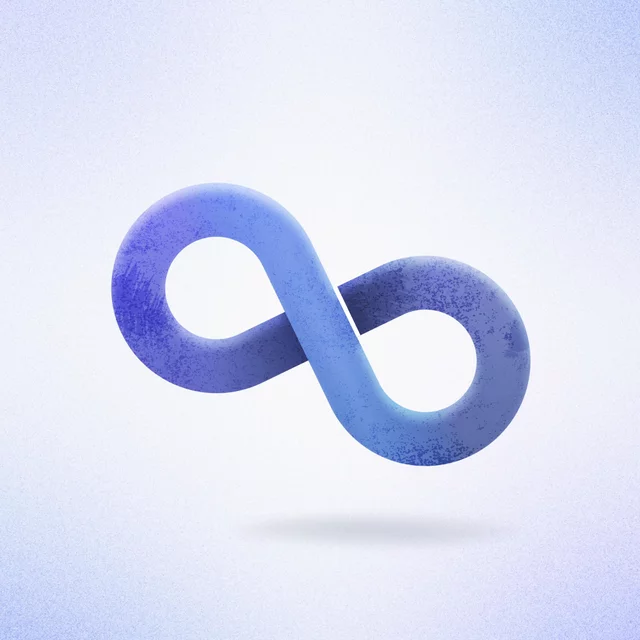
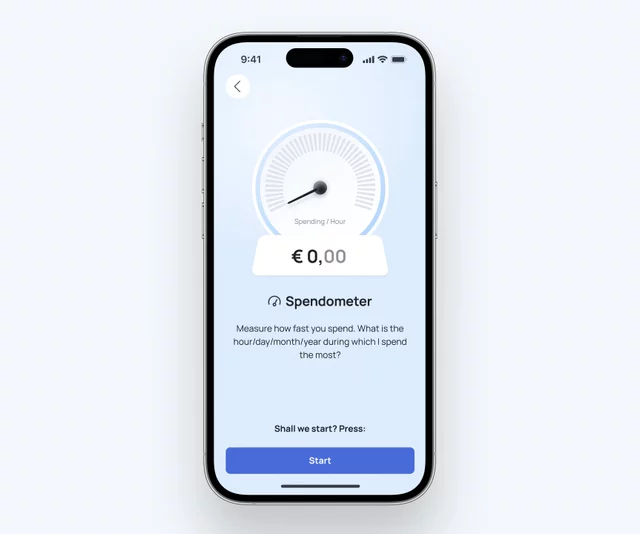
Animated illustrations can become a natural part of the product — from onboarding and feature highlights to interactive moments throughout the interface. Each animation is designed to feel at home in the experience, perform smoothly, and integrate seamlessly across web and mobile.
Splash Screens
Environment
iOS / Android / Web Apps
Purpose
App Launch / Loading States / First Impression
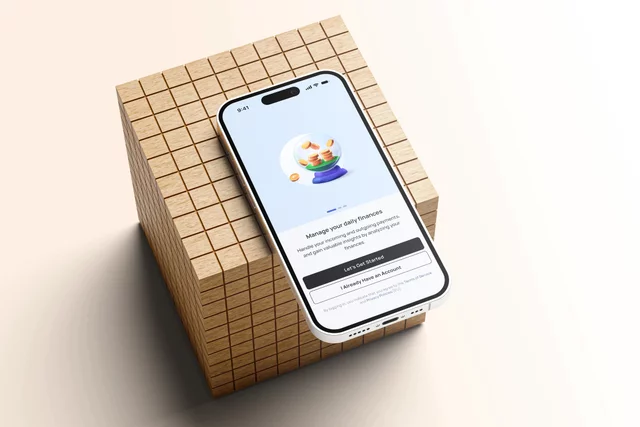
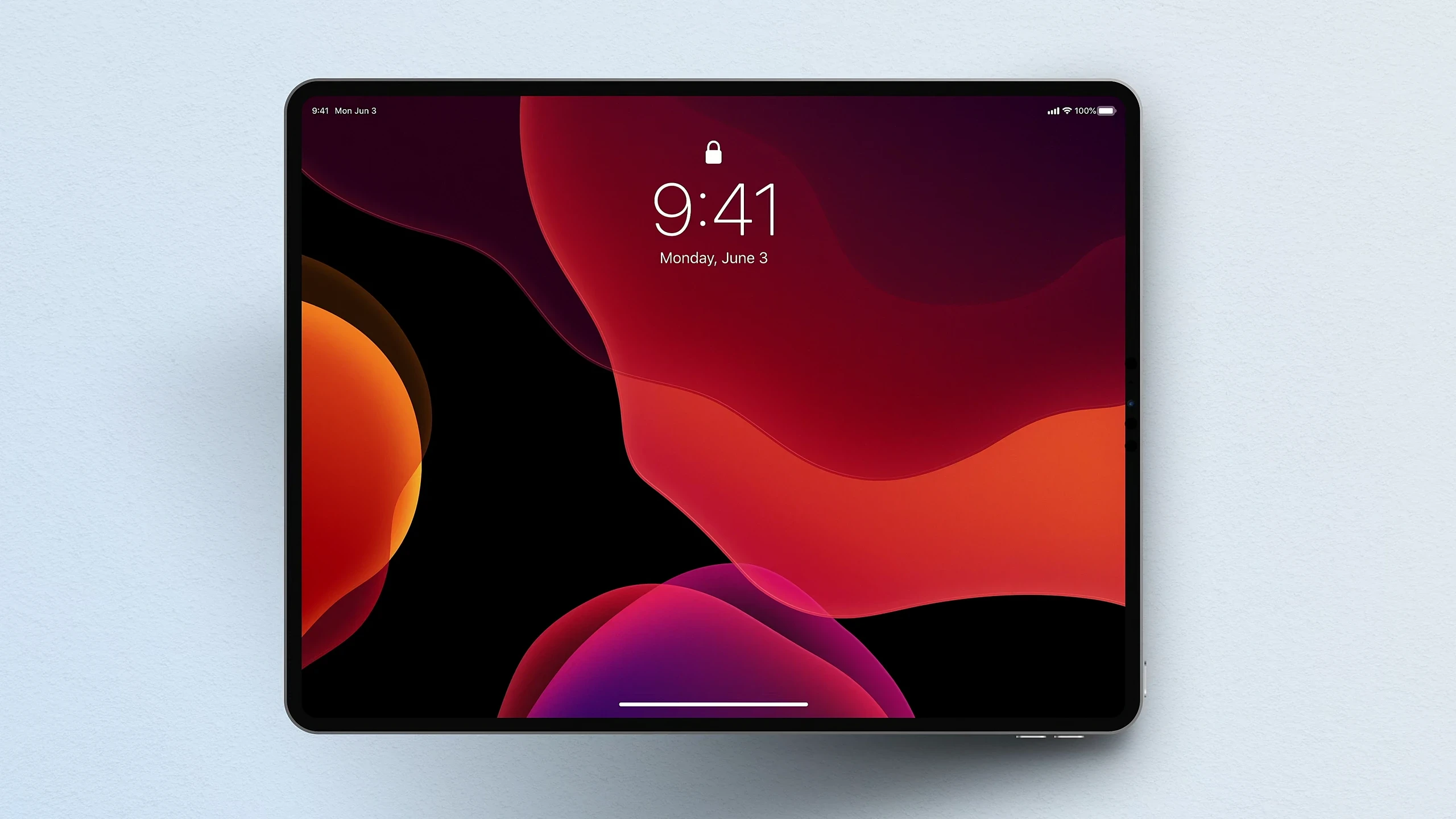
The first few seconds can shape how a product feels. A well-designed splash screen introduces the brand, makes loading feel intentional, and creates a smooth transition into the experience. Through logo animation, graphic elements, and subtle motion, even a short wait can become a memorable product moment.

A splash screen bridges the gap between launching the app and entering the product, creating a smooth, intentional transition while the experience loads in the background.
Designed as one
Small moments shape the flow of an experience. Carefully considered timing, motion, and transitions create seamless continuity between screens, helping the product feel cohesive and refined from the very first interaction.

User Interfaces
Environment
Websites / Apps / Design Systems
Purpose
Feature Demos / State Transitions / System Feedback
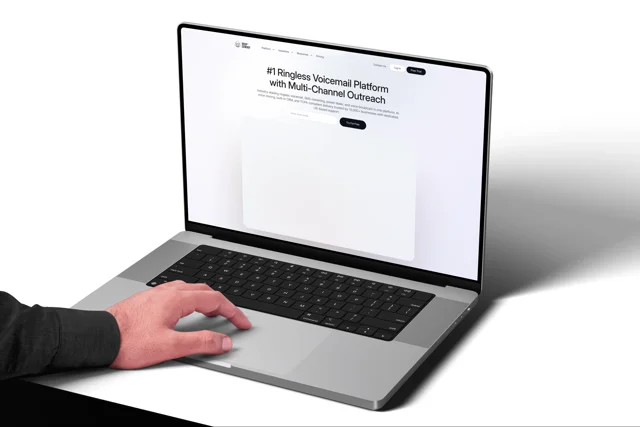
Great interfaces do more than function well – they feel responsive, expressive, and alive. UI animation adds clarity to interactions while bringing more character and visual depth to the product. With Lottie and Rive, motion can be integrated directly into websites and apps, from subtle interface details to complete animated flows.
Some features are difficult to explain with static screens alone. Motion can show how an interaction unfolds, how different states connect, and what users can expect at each step.
This makes UI animation especially useful for feature demos, onboarding, product pages, and other moments where functionality needs to be understood quickly.
Clarity in сomplexity
UI motion isn’t about animating everything on screen. It’s about knowing where movement adds clarity, character, or refinement and where it should stay almost invisible. Used thoughtfully, it becomes part of what makes a product feel well designed.
Motion isn’t only for expressive consumer products. In dense, data-heavy interfaces, subtle animation can establish hierarchy, surface important changes, and help users stay oriented without adding more visual clutter.
Used selectively, it brings clarity and refinement while keeping the interface focused on the information that matters.